Understanding how to create an electronic invoice is no longer optional for businesses operating in Saudi Arabia — it is a legal obligation with real financial consequences if ignored. The shift to digital invoicing under the ZATCA mandate has changed the way companies record, report, and share their billing documents, and getting the process right from the start saves enormous trouble down the line. Many business owners assume it is complicated. It is not, once you know exactly what is expected of you.
OMK, a certified public accounting office, has helped dozens of companies transition to fully compliant digital billing systems without disrupting their daily operations. Whether you are a startup issuing your first invoice or an established company overhauling an outdated process, the right guidance makes all the difference. The team at OMK brings deep regulatory knowledge and practical systems experience to every client engagement.
What Is Electronic Invoicing?
Electronic invoicing is a structured, digitally generated billing document that is created, transmitted, and stored in a specific electronic format — not simply a scanned paper invoice or a PDF created in a word processor. The critical distinction here is that a true electronic invoice is generated by an integrated software system that communicates directly with ZATCA’s platform, embedding the required data fields in a standardized way. It carries a cryptographic stamp and a QR code that allows any party — buyer, seller, or authority — to verify its authenticity instantly.
What is interesting here is that most business owners conflate a digital-looking invoice with a legally compliant one. A nicely formatted spreadsheet sent by email does not qualify. The law specifies both the content and the technical delivery mechanism. Saudi Arabia’s e-invoicing regulation, which rolled out in phases starting in 2021, now applies to all VAT-registered businesses, and the penalties for non-compliance are steep enough to take seriously.
Beyond compliance, electronic invoicing actually simplifies accounting workflows. When your invoices feed directly into a connected system, reconciliation becomes faster, audits become less stressful, and the risk of human error drops significantly. It is one of those regulatory requirements that, once properly implemented, ends up benefiting the business far more than it burdens it.
How to Create an Electronic Invoice
- Register your business on the ZATCA Fatoorah portal and obtain your cryptographic stamp certificate — this links your system to the authority’s infrastructure.
- Choose a ZATCA-compliant e-invoicing solution, whether a standalone application or an integrated ERP module, that supports the required XML or UBL format.
- Enter all mandatory invoice data fields into the system, including seller details, buyer information, line items, VAT number, and the applicable tax rate.
- Generate the invoice through the system so it automatically applies the cryptographic signature and embeds the QR code — this is what transforms a document into a legally valid electronic invoice.
- For standard invoices (B2B), integrate the invoice with the ZATCA clearance system before sharing it with the buyer — clearance must happen in real time.
- For simplified invoices (B2C), report the invoice to ZATCA within 24 hours of issuance as part of the reporting phase requirement.
- Store all issued invoices in a compliant archiving system for the legally mandated retention period of no less than six years.
This is where many businesses stumble — they handle the first few steps correctly but overlook the clearance and archiving obligations. OMK’s certified accounting office walks clients through each step, ensuring no phase is skipped and no deadline is missed.
What Are the Conditions for Creating an Electronic Invoice and Complying with ZATCA Requirements?
- The business must be registered for VAT with ZATCA and hold an active tax registration number before issuing any invoice.
- The invoicing solution must be certified or compatible with ZATCA’s technical specifications, including support for XML-based formats with the required data fields.
- Every invoice must carry a unique sequential number that cannot be altered or reused once assigned.
- The cryptographic stamp must be embedded in the invoice at the point of generation — this cannot be added retroactively.
- Standard invoices destined for other VAT-registered buyers must receive ZATCA clearance before the buyer is given access to the document.
- Simplified invoices issued to end consumers must include a scannable QR code that encodes the seller name, VAT number, timestamp, total amount, and VAT amount.
- The system used to generate invoices must prevent any tampering with the invoice after issuance — a full audit trail must be maintained.
- Any credit notes or debit notes issued as corrections must follow the same electronic format and reference the original invoice number.
What Information Must an Invoice Contain?
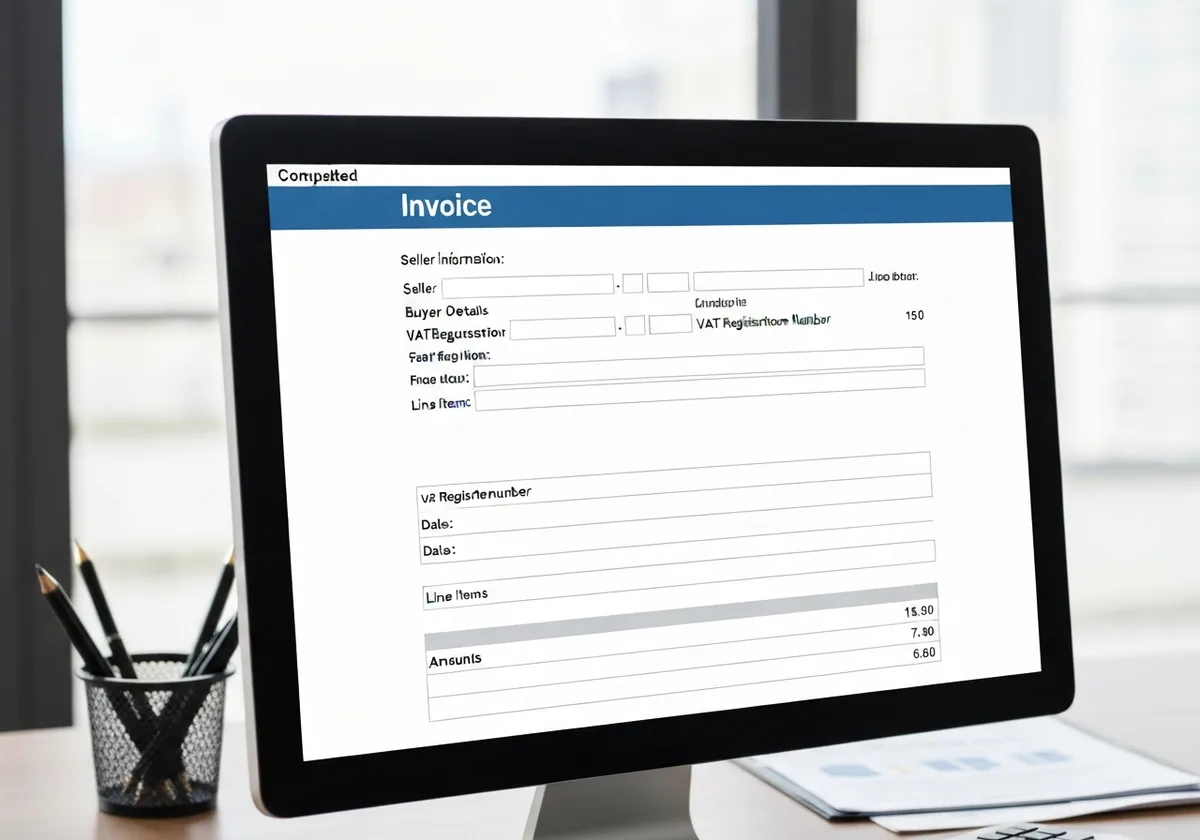
- The seller’s full legal name, address, and VAT registration number.
- The buyer’s name and, for standard invoices, the buyer’s VAT number and address.
- A unique, sequential invoice number that is part of an unbroken series.
- The date of issue and, where different, the date of supply.
- A clear description of each product or service supplied, including the quantity and unit price.
- The applicable VAT rate for each line item and the VAT amount charged.
- The total amount excluding VAT, the total VAT amount, and the grand total inclusive of VAT.
- The QR code generated by the compliant system, encoding the key transaction data for instant verification.
- For a ready-made tax invoice used as a template, every one of these fields must still be populated with accurate, transaction-specific data — a blank template is never acceptable as a filed document.
Using a proper tax invoice template as your starting point is smart, but the template only defines the layout. The substance must be accurate, complete, and verified by your system before any invoice is considered valid. OMK helps clients build invoice templates that are both legally compliant and practical for their specific industry.
Types of Electronic Invoices in Saudi Arabia and Their Different Uses
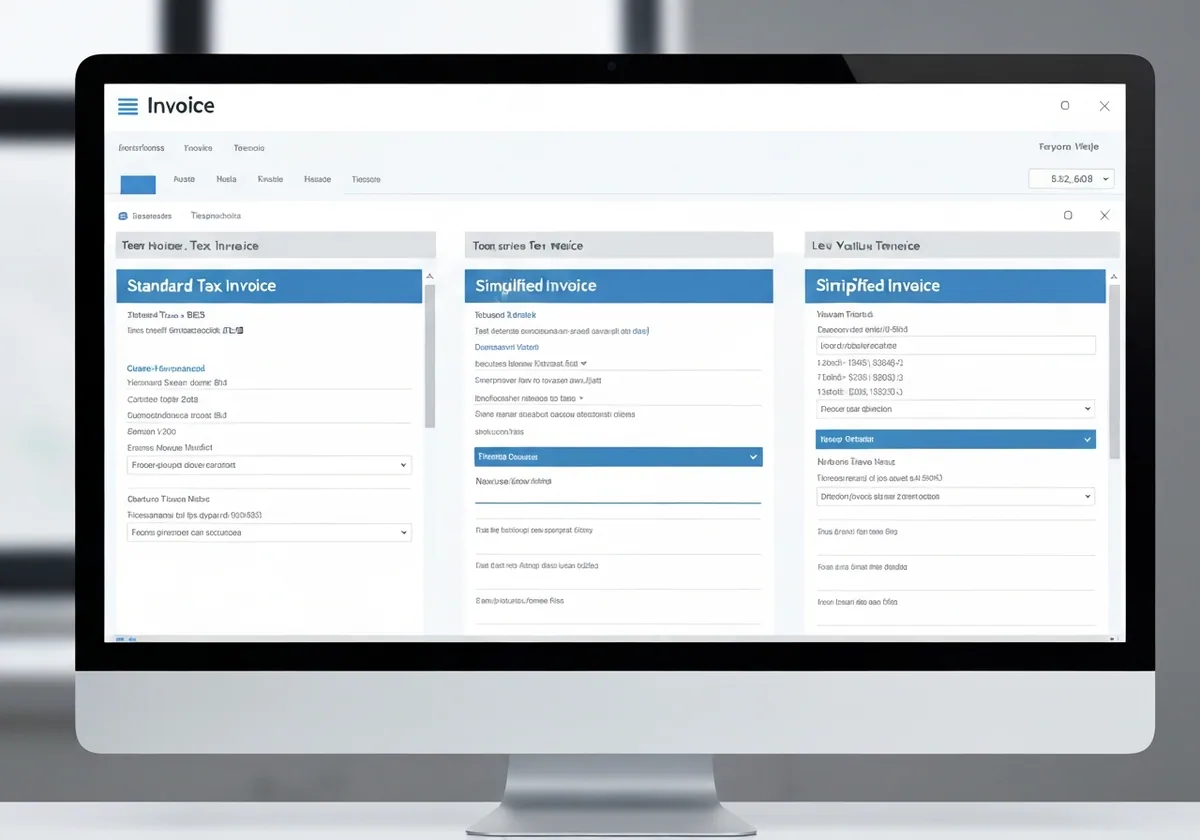
- Standard Electronic Invoice (Fatura): Used in B2B transactions between VAT-registered entities. This type requires real-time clearance through ZATCA’s platform before it can be shared with the buyer. It is the most regulated format and applies to wholesale trade, contracting, and professional services between companies.
- Simplified Electronic Invoice: Used in B2C transactions where the buyer is an individual consumer or a non-VAT-registered entity. It does not require pre-clearance but must be reported to ZATCA within 24 hours. Retail, hospitality, and consumer-facing service businesses use this format most frequently.
- Credit Note: Issued when a seller needs to reduce a previously issued invoice — for example, after a product return or a pricing correction. It must reference the original invoice number and follow the same electronic format.
- Debit Note: Used when the original invoice amount needs to increase — typically when additional charges apply after the initial billing. Like credit notes, debit notes must be electronically formatted and traceable.
- Recurring Invoice: Some businesses set up automated recurring invoices for subscription-based or contract-based services. These still require the same compliance checks with each issuance cycle.
Knowing which invoice type applies to your transaction is not just a technicality — issuing the wrong type can trigger a compliance flag. The accounting professionals at OMK can audit your current invoicing practices and identify any mismatches before they become a regulatory problem.
The Difference Between Electronic Invoices and Traditional Invoices
Traditional paper invoices have served businesses for centuries, but their limitations become impossible to ignore the moment a tax authority demands a digital audit trail. A paper invoice is manually created, physically distributed, and stored in filing cabinets where it is vulnerable to loss, damage, and manipulation. There is no built-in mechanism to verify that the invoice has not been altered after it was printed. For a tax authority trying to cross-reference millions of transactions, paper is simply unworkable at scale.
Electronic invoices solve every one of these problems structurally, not just operationally. The cryptographic signature embedded in each document makes post-issuance tampering detectable. The real-time or near-real-time reporting requirement means that every transaction is logged with ZATCA almost as it happens, which dramatically reduces the scope for underreporting. The process of creating an electronic invoice forces the seller to populate all required fields before the system will even generate the document — there are no blank spaces slipping through.
Here is the thing: businesses that have fully adopted electronic invoicing consistently report that their month-end closing process becomes faster and their VAT filing becomes less error-prone. The upfront investment in a compliant system pays back through reduced manual reconciliation work and lower risk of audit penalties. Traditional invoicing, by contrast, tends to accumulate small inconsistencies that become large problems during an audit.
Frequently Asked Questions
Is a small business required to issue electronic invoices in Saudi Arabia?
If your business is registered for VAT in Saudi Arabia, you are required to comply with ZATCA’s e-invoicing mandate regardless of your size. The phased rollout has progressively included smaller businesses, and the direction is clearly toward universal compliance for all VAT-registered entities. Choosing to delay adoption is a calculated risk that rarely pays off — the penalties for non-compliance include fines that can accumulate per transaction. OMK’s certified accounting office can assess exactly where your business stands and what steps are needed to become fully compliant without unnecessary cost.
What is the difference between a simplified and a standard electronic invoice?
The core difference lies in who the buyer is and what the system does with the invoice before it leaves the seller. A standard invoice targets VAT-registered buyers and must be cleared by ZATCA in real time — meaning the authority reviews and stamps it before it reaches the recipient. A simplified invoice targets end consumers and only needs to be reported to ZATCA within 24 hours of issuance. Both types must include a QR code, but the data and verification process differ. Understanding how to create an electronic invoice of the correct type for each transaction is essential, and it is something the team at OMK handles routinely for clients across multiple industries.
Can OMK help me set up an electronic invoicing system from scratch?
Absolutely. OMK’s certified public accounting office specializes in end-to-end implementation of ZATCA-compliant invoicing systems. From selecting the right software and configuring the technical integration, to training your team on daily usage and handling your first compliance audit, OMK manages the entire process. Many clients come to us after failed DIY attempts or after receiving a compliance notice — and in every case, a structured setup from the beginning would have been faster and cheaper. Reach out to OMK directly to schedule a consultation and get your invoicing system built correctly the first time.
Mastering how to create an electronic invoice is genuinely achievable for any business, regardless of size or technical background — but only when you have the right structure and the right support in place. The legal requirements are specific, the deadlines are real, and the cost of getting it wrong is measurable. OMK, a trusted certified accounting office, is ready to guide you through every stage of the process, from initial registration to full operational compliance. Do not wait for a penalty notice to prompt action. Contact OMK today and get your electronic invoicing system working correctly from day one.